
Request karaoke songs from your seat
At a karaoke show run with PulseKJ? Request songs from your seat, see your spot in line, and get a tap on the shoulder when you’re almost up.
Works on: iPhone with iOS 17 or later (free app), or any phone’s web browser — iPhone or Android — by scanning the QR code at the show. Android app coming soon.
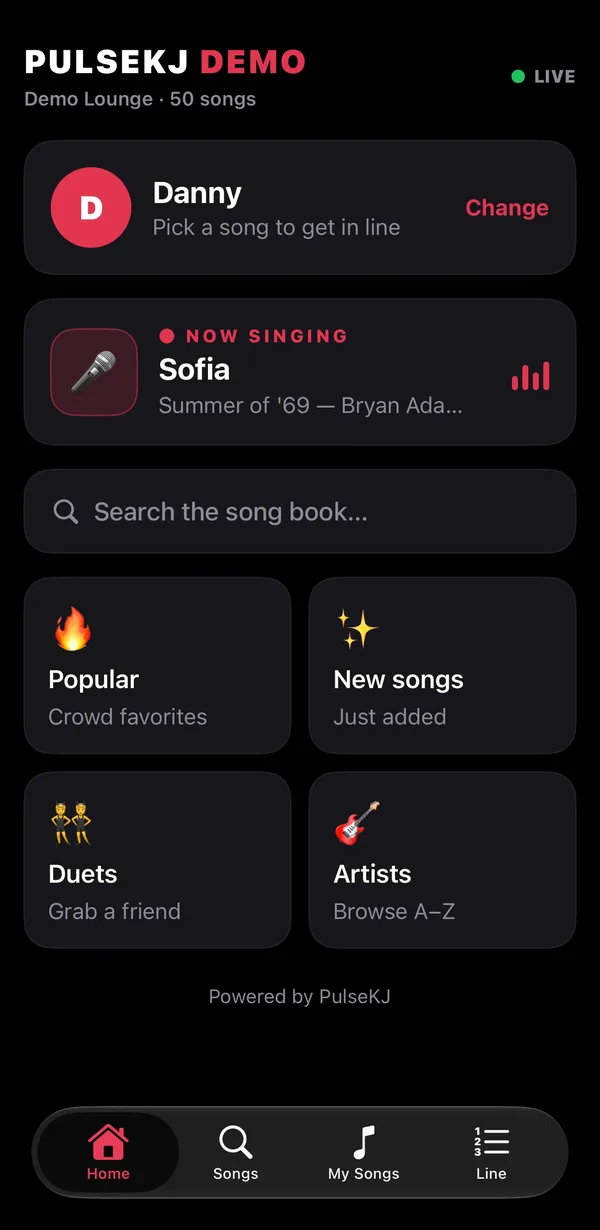
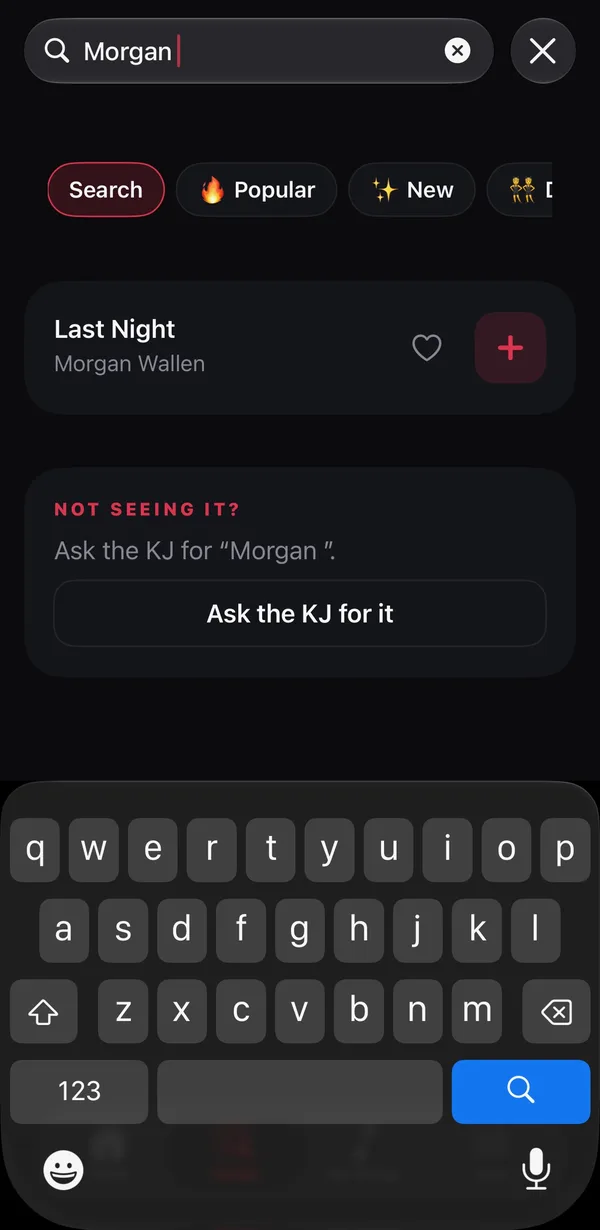
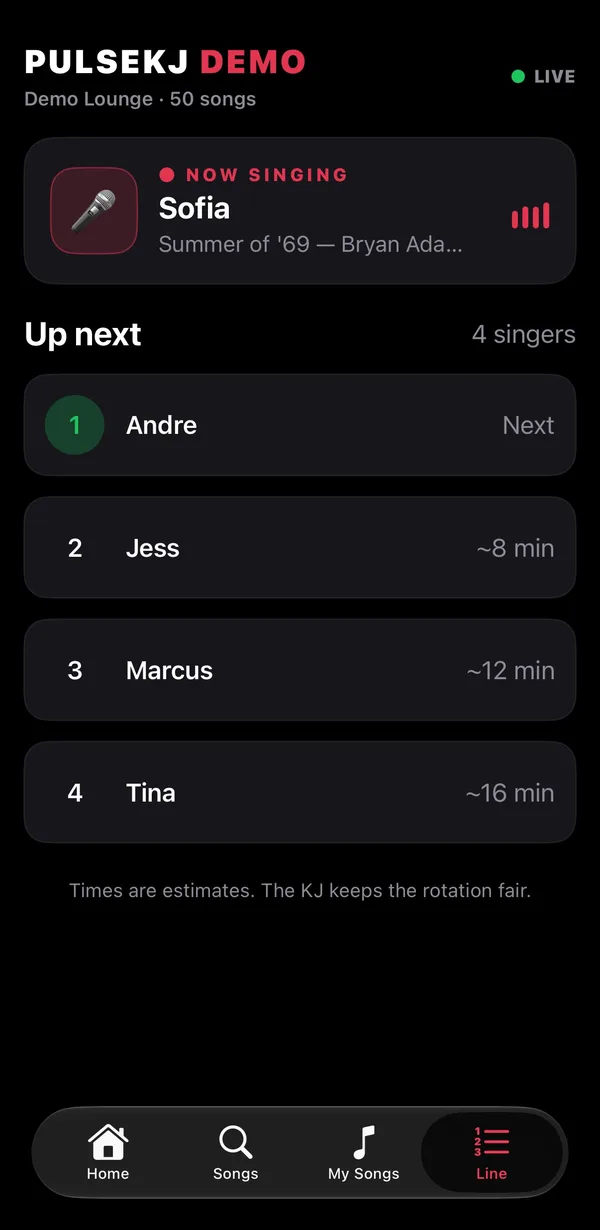
Request karaoke songs from your phone
- Open the app (or scan the QR code on the KJ’s screen).
- Pick your venue from “Live now” — the closest one is at the top — and enter the PIN on the screen.
- Search the song book by title or artist, tap +, and you’re in.
What you get
Your spot, live
See who’s singing now, your place in line and about how long until you’re up.
“You’re up next” alerts
Allow notifications and the app lets you know when you’re two singers away and again when you’re next — go grab a drink without missing your turn.
Duets and songs for friends
Add a duet partner or put a song in for a friend in one tap.
Favorites and “Ask the KJ”
Heart your go-to songs. Can’t find one? Ask the KJ for it right from the app.
Private by design
No ads, no tracking, no account. Your name and requests only go to the KJ running the show you joined.
Questions from singers
How do I request a song at a PulseKJ show?
Open the PulseKJ app or scan the QR code on the singer screen, pick the venue, enter the PIN shown by the KJ, type your name and search for your song.
Is the app free?
Yes. The PulseKJ app is free, with no ads and no account.
I'm on Android. Can I still request songs?
Yes. Scan the QR code at the show and request from your phone's browser — no app needed.
Can I try it without a show?
Yes. Open the app and tap “Try the demo”, or enter the PIN 000000.
Are you a KJ?
PulseKJ is karaoke hosting software for the Mac with song requests built in. See how requests work for KJs.